Playdates
A park or library time the families in the class can join.
For elementary school classes
Plan playdates without group texts or swapping phone numbers.
Playdate is for parents and teachers coordinating with the families in a class: playdates, birthday parties, school events, and more. Children do not sign in. You join with a class code, see only those families, and post the plan without a group chat.
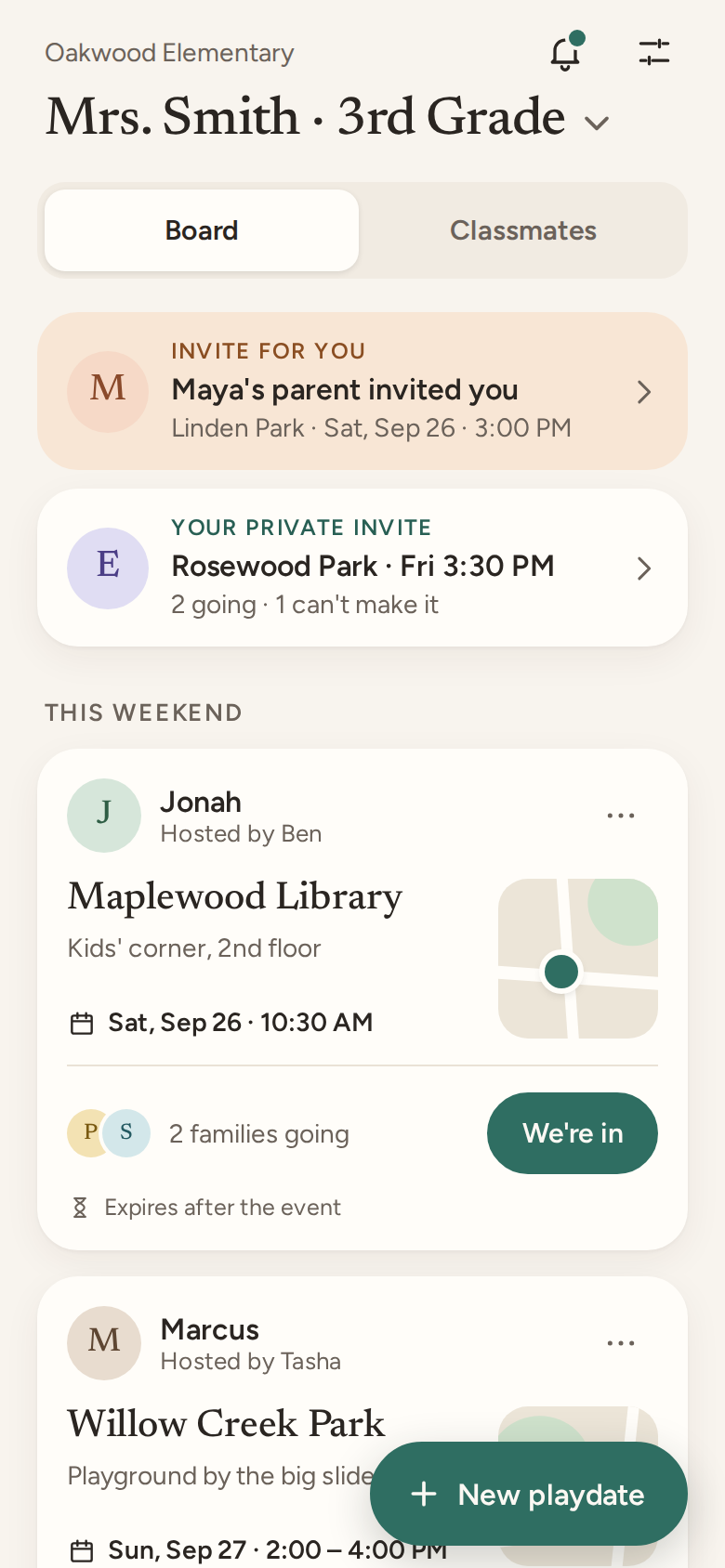
Parents and teachers use Playdate to coordinate with the families in a class.
A post is a time, a place, and who can make it, shared only with that class. That is how you line up playdates, birthday parties, school events, and more, such as a class party or families who can help on a field trip. There is no separate tool for each one.
A park or library time the families in the class can join.
Invite the class, or just a few families, and see who replies.
A class party, or a note asking who can volunteer for a field trip.
Your class only
Enter the code from your teacher or room parent. You see those families and nobody else. There is no search and no public profile.
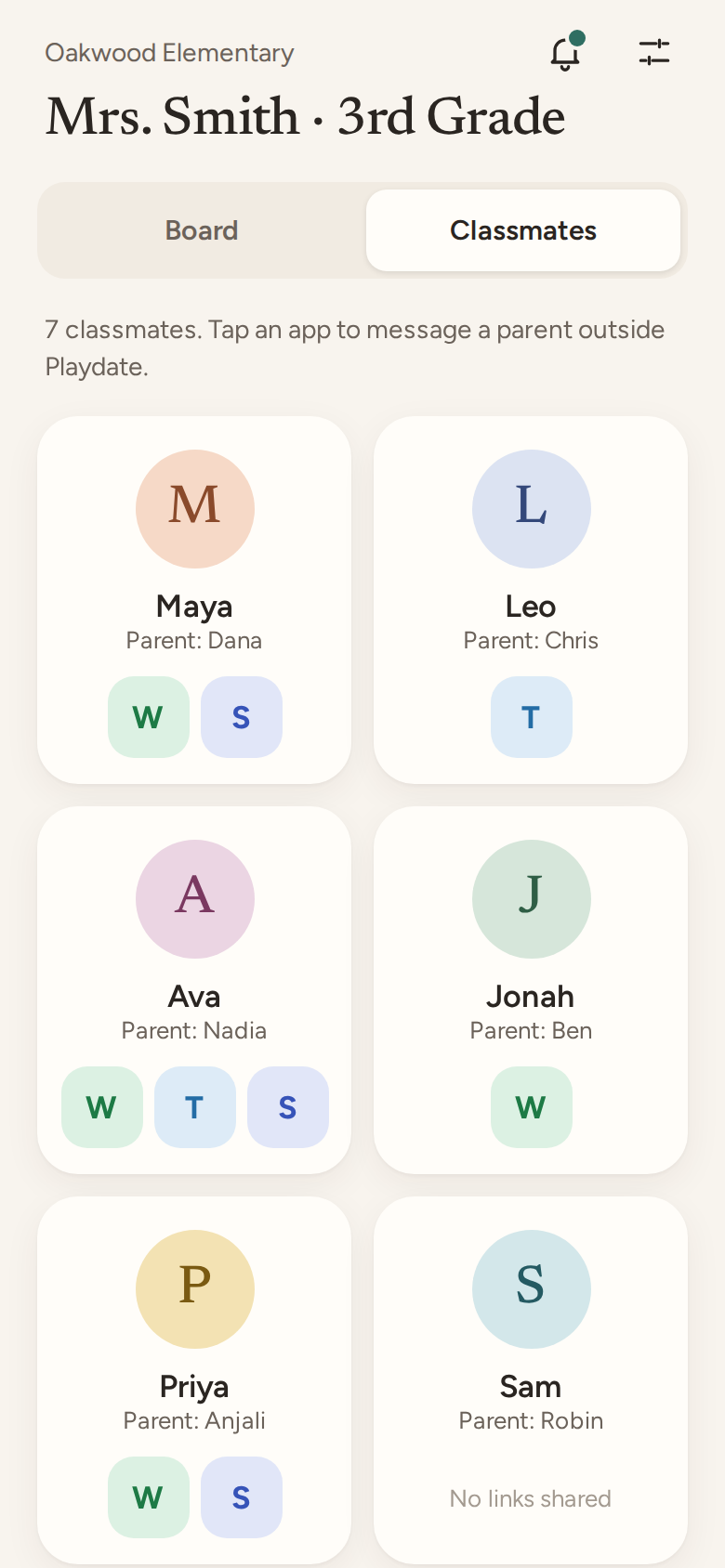
The plan
Pick a park or library, a day, and a time. Post it to the class, or keep it to a few families. Home addresses are nudged away.
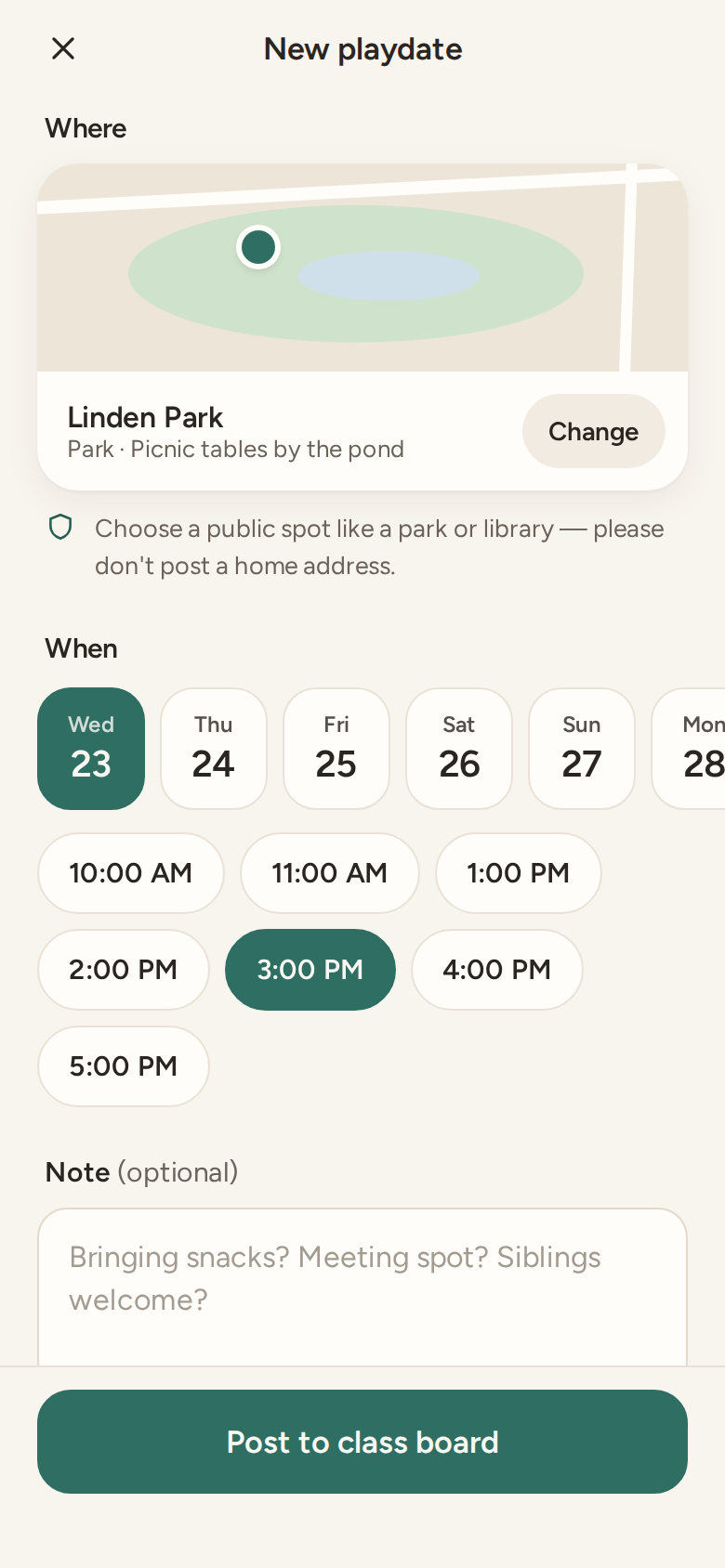
Low pressure
Private invites are visible only to the families you picked. People who have not replied just show as invited. No read receipts and no guilt.
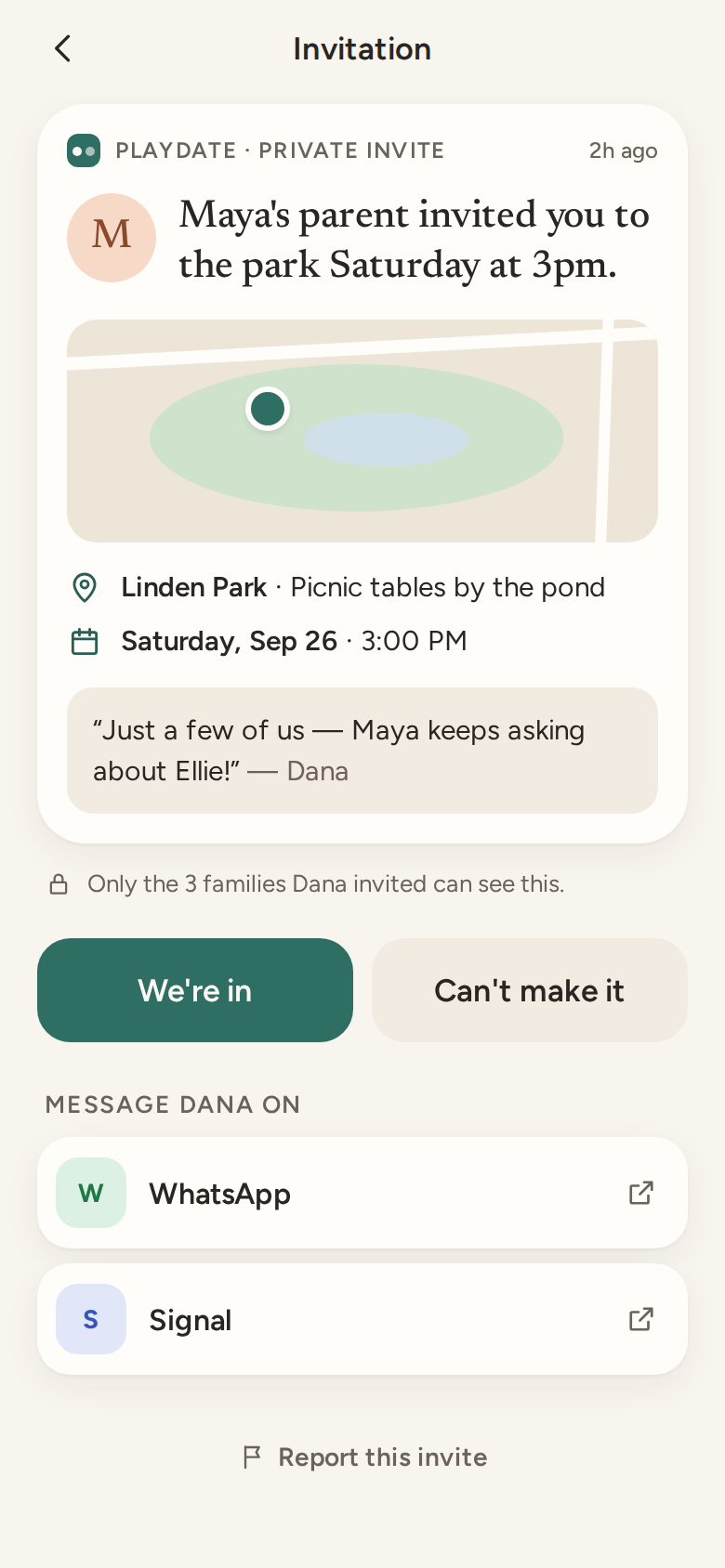
No phone numbers
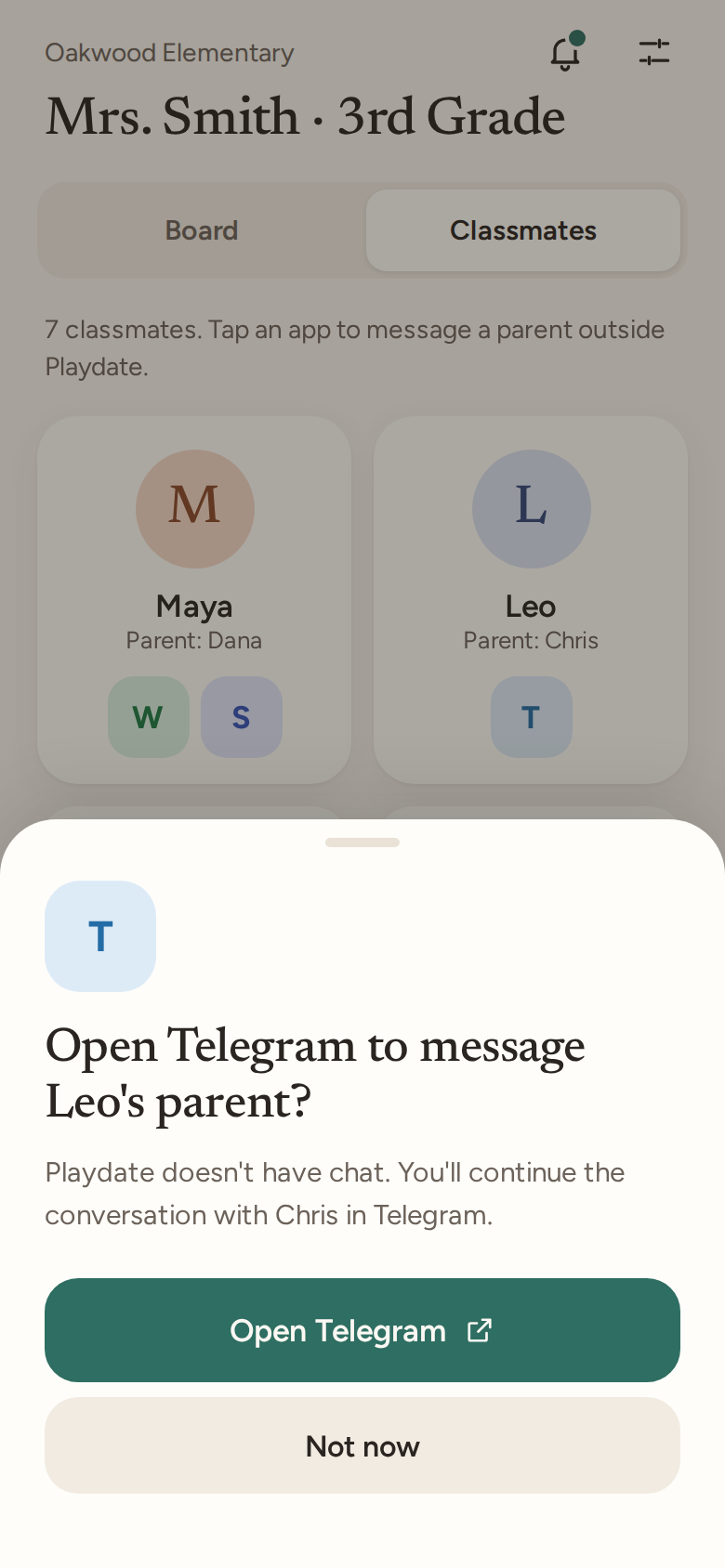
Playdate has no group chat. Share a WhatsApp, Telegram, or Signal link only if you want. Other parents never see your phone number or your email.
1
Use Google, or a one-time 6-digit code we email you. There is no password.
2
Enter the class code. Add your name and your child’s first name. A photo is optional.
3
Post a time and a place to the class, or invite a few families. A playdate, a party, or a school event uses the same post. Reply “We’re in” in one tap.
Playdate is a small tool for one class, not a social network.
You do not hand out your number. Message on WhatsApp, Telegram, or Signal only if you choose to share a link.
The class code is the door. There is no directory of schools and no way to browse strangers.
Playdate does not sell personal information. Playdates are deleted about a day after the event.
Parents and teachers coordinating with the families in a class. They plan playdates, birthday parties, school events, and more, such as a class party or field trip volunteers. Children do not use Playdate.
No. Other parents never see your phone number or your email. Messaging links are optional.
Your display name, how you know the child if you add it, your child’s first name, and an avatar or a photo you choose. They do not see your email.
With Google, or with a 6-digit code sent to your email. If you already used an email code and later choose Google with that same address, it is the same account.
In Settings, choose Delete my account. You can also email [email protected] and ask us to delete it.
Log in or sign up when you have the class code. You can read this page without an account.